In today's world, it is imperative that we protect ourselves and others by using a personal or corporate password database with many different types of data, such as choosing which one to take.
This is the first step...
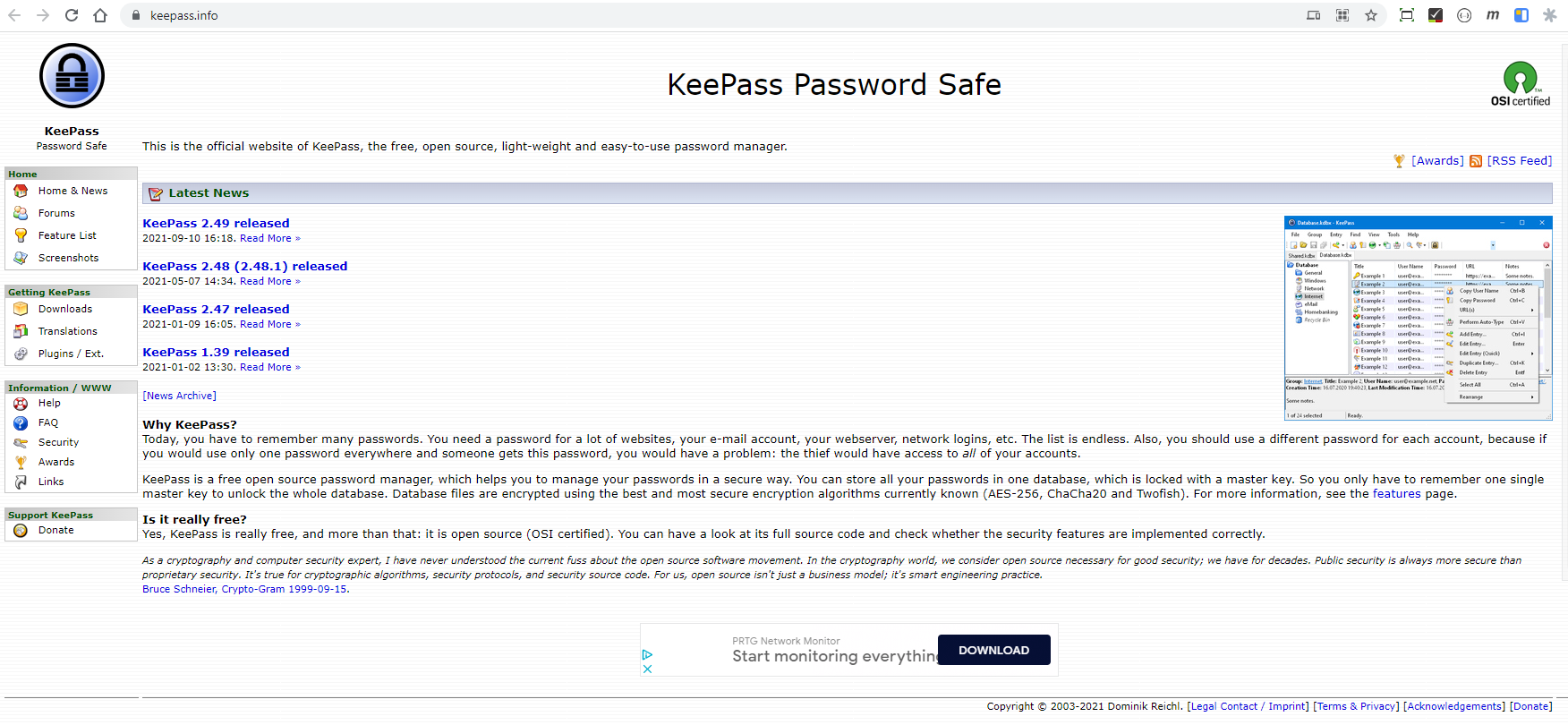
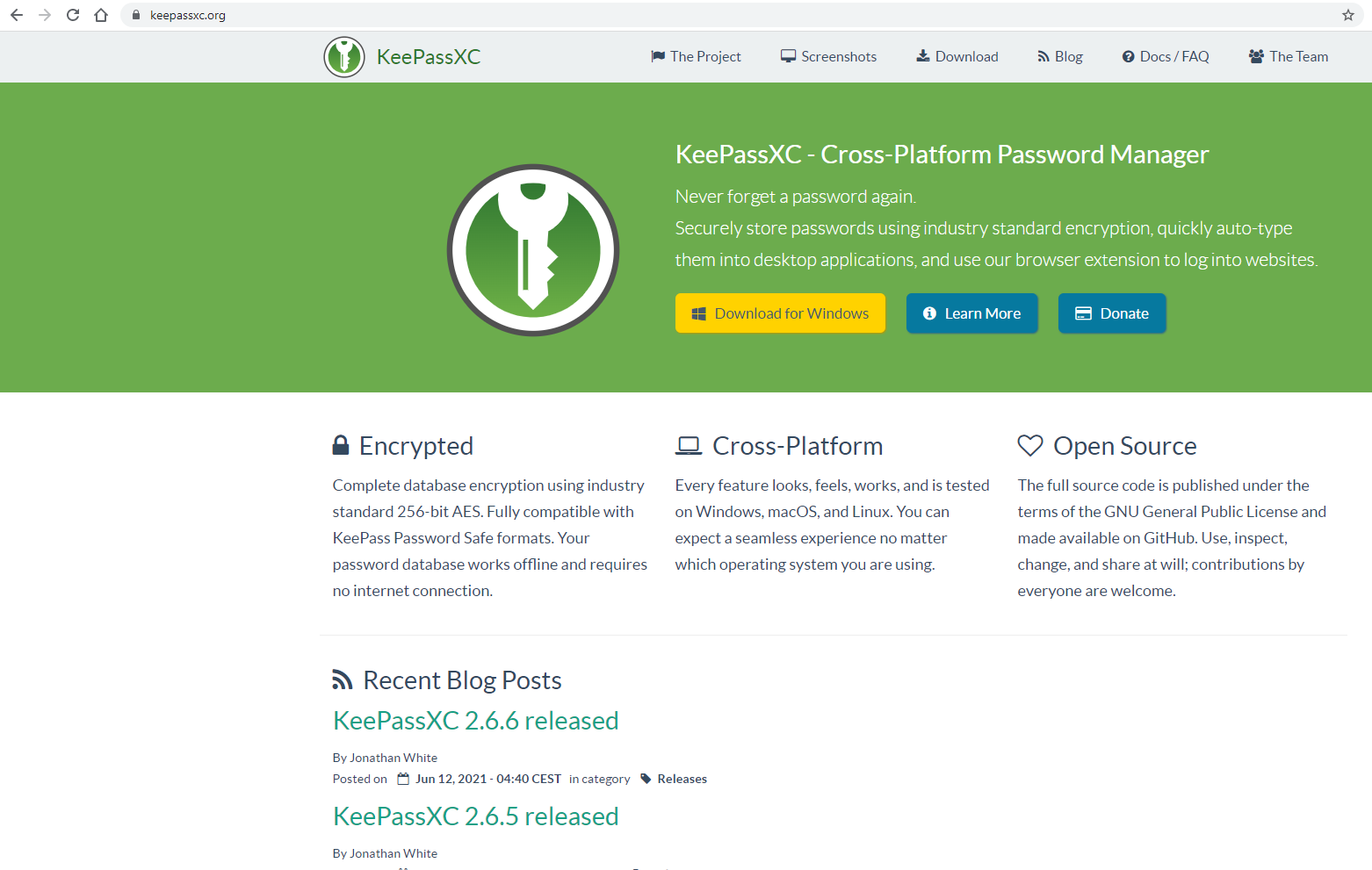
In today's article, I'll explain how to create and use a password database for yourself and your business. At workKeepassused. But I personallyKeePassXC-гused because it is constantly updated and can be used on many systems. Also, the created database can be opened and used in 2 ways, that is, the format used is the same. Both of these apps are free and cannot be easily hacked, so remember your fund password well. And below is a picture of how to install and use KeePassXC.
Here's a picture of how to install and use KeePassXC:
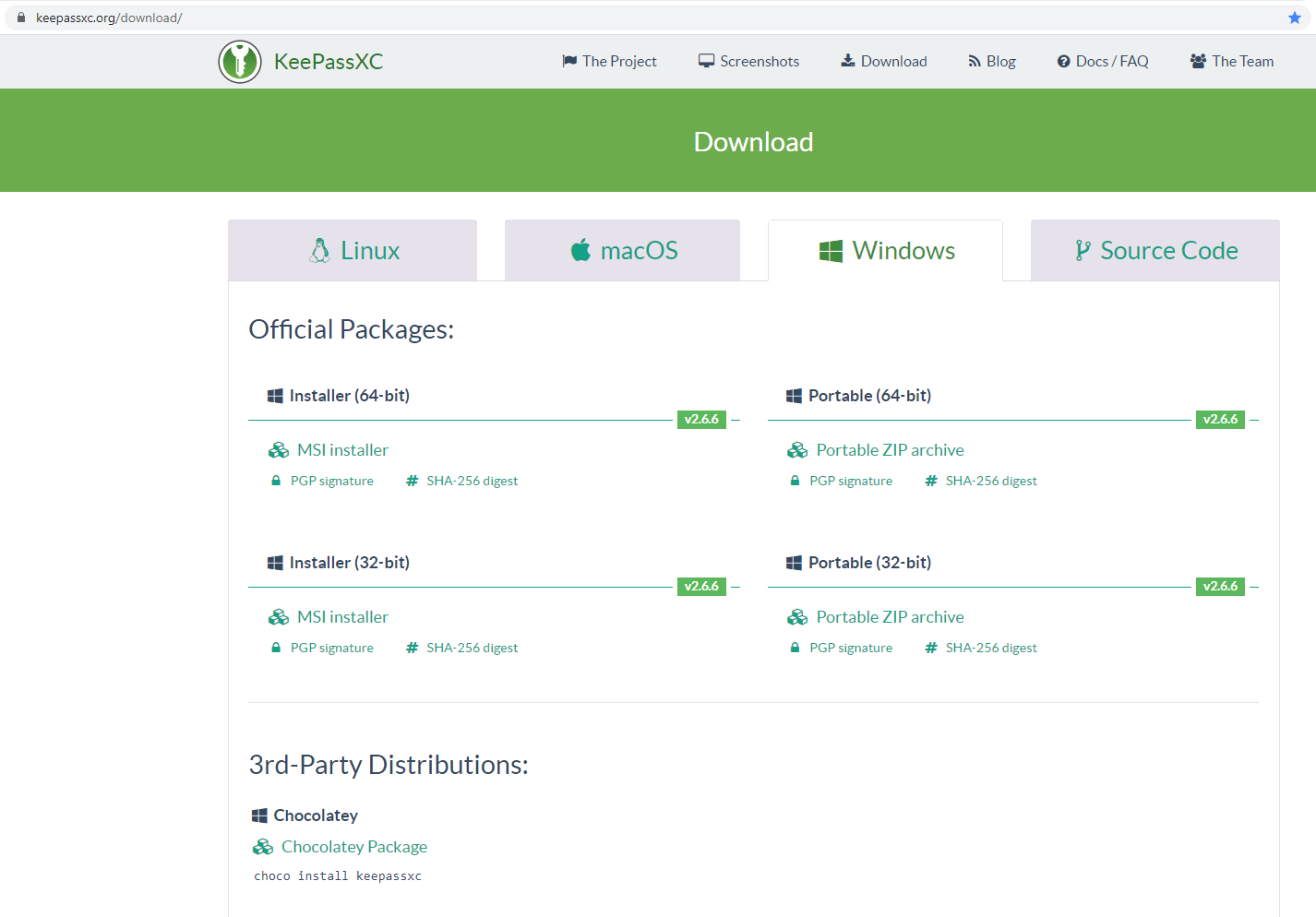
- Download and install it for your system here
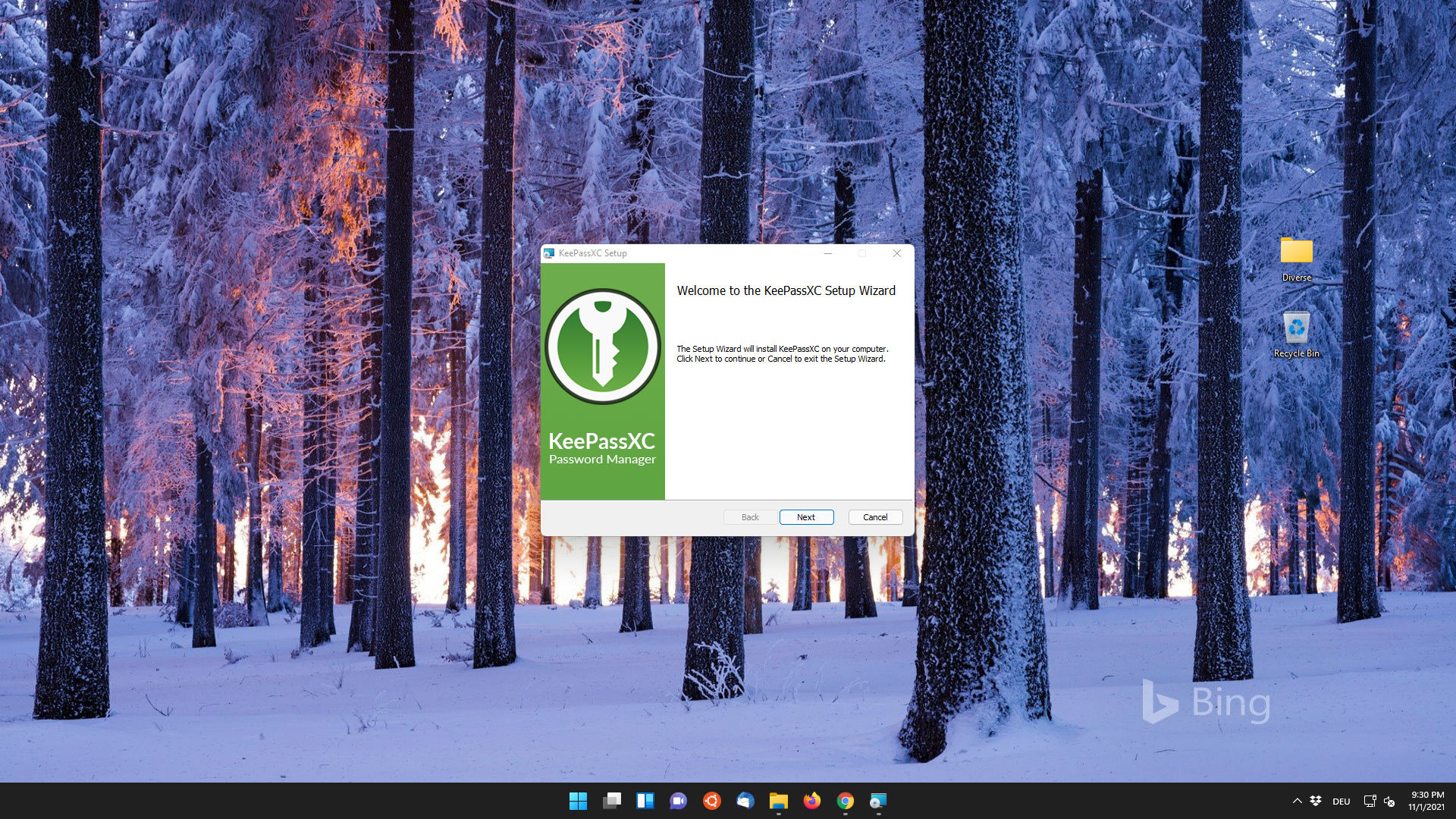
- Start the installation
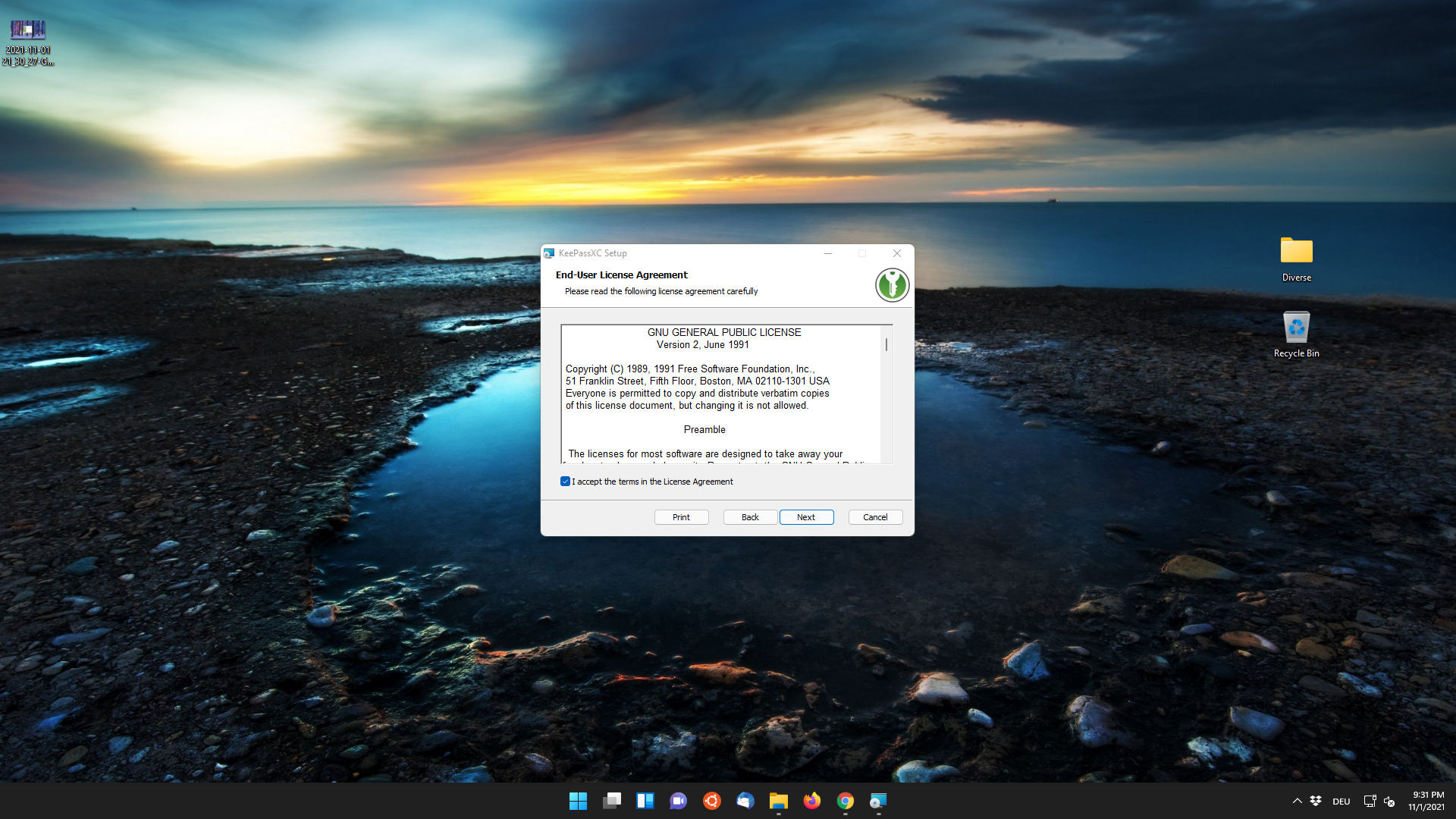
- Continue with license approval
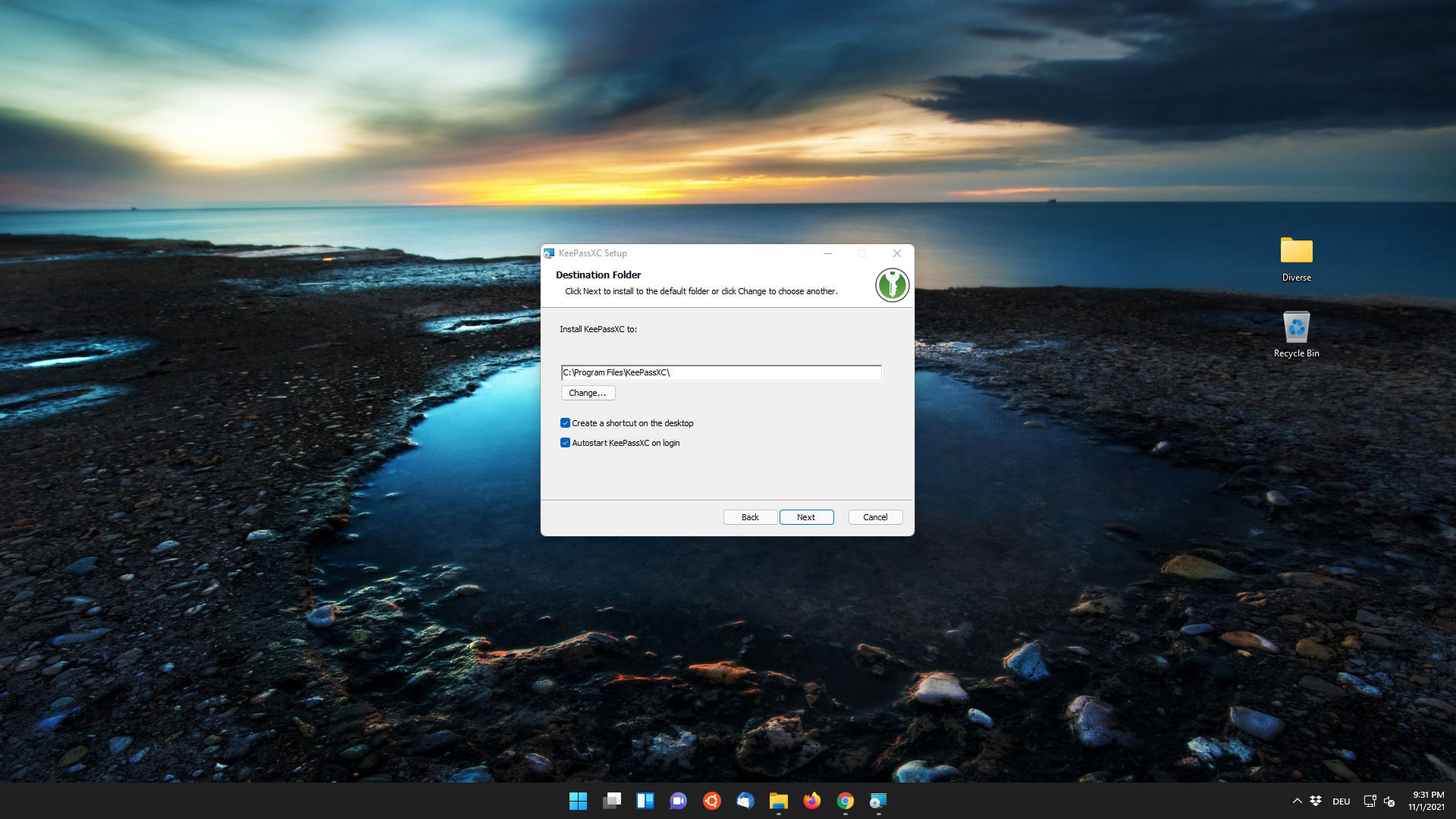
- Specify the installation path
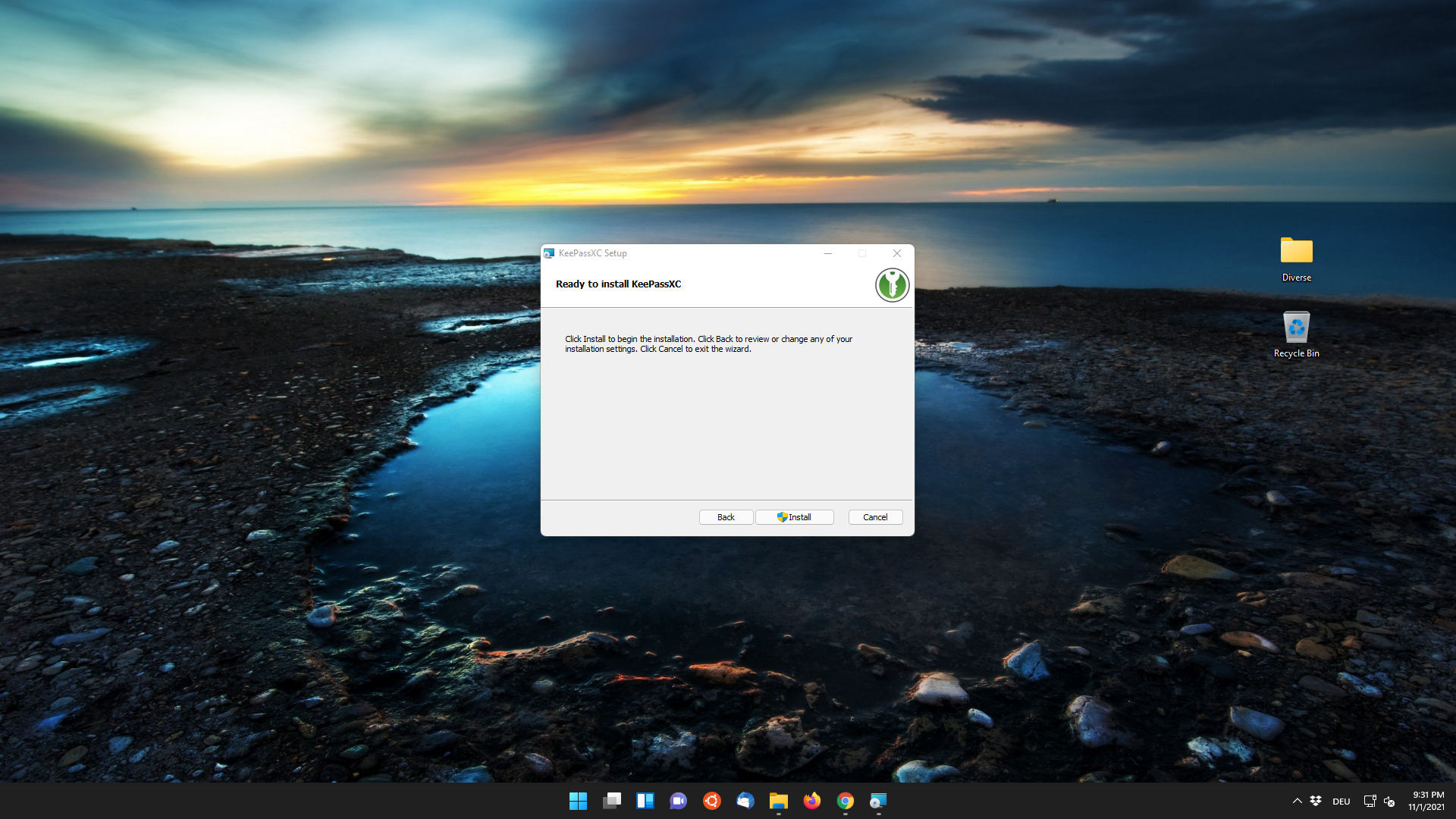
- Start installation
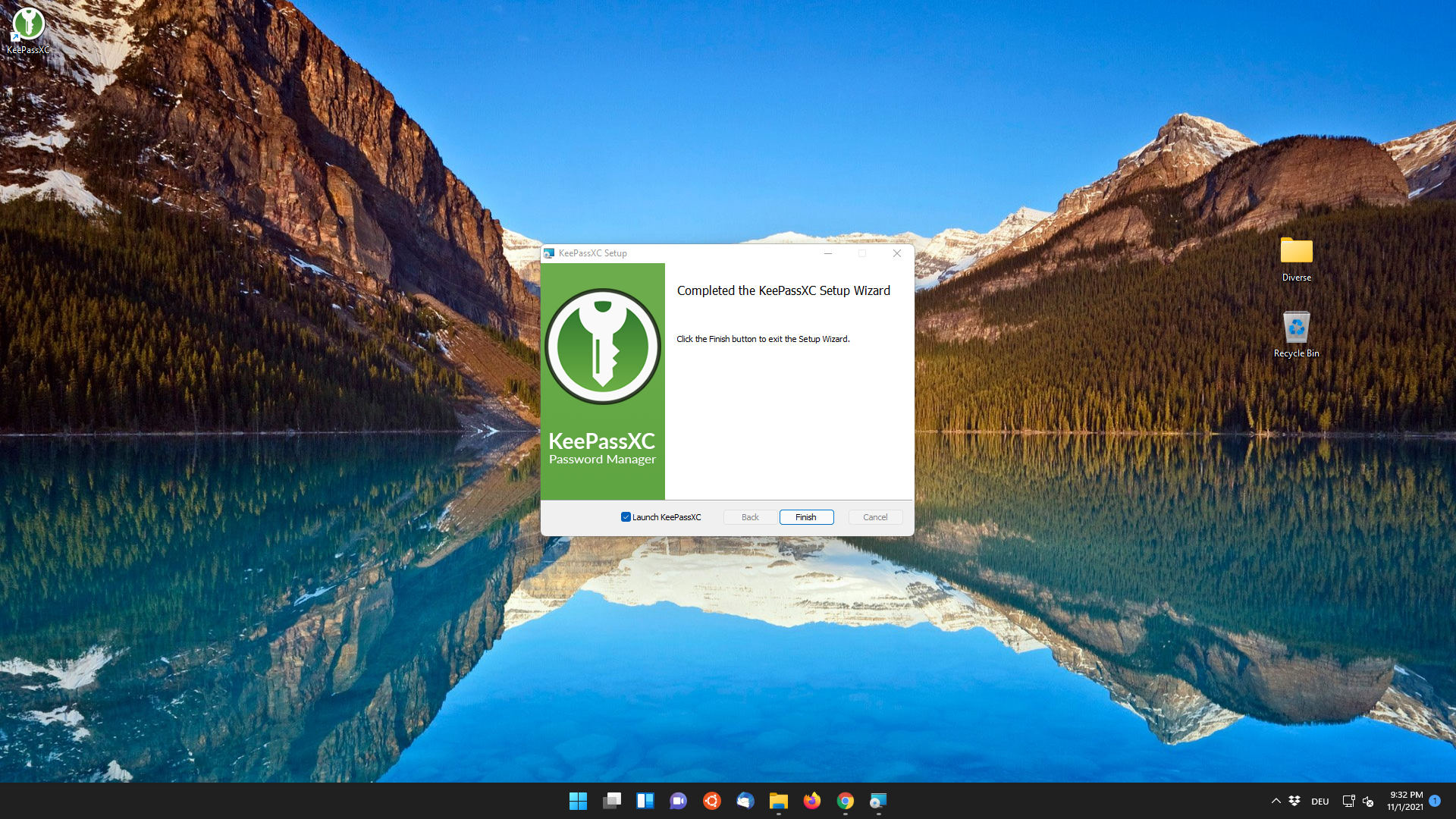
- Complete the installation and start the program
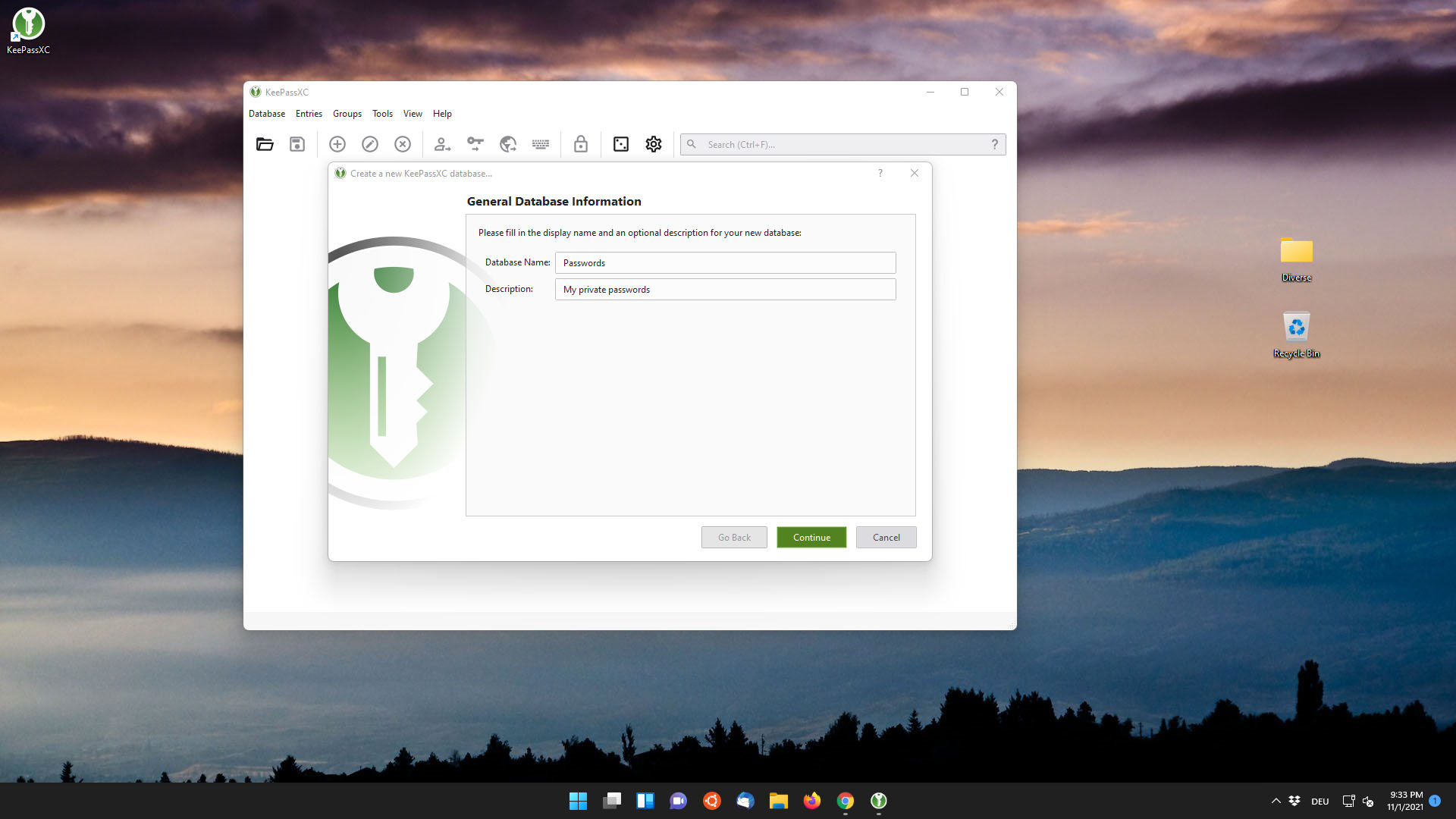
- Create a database
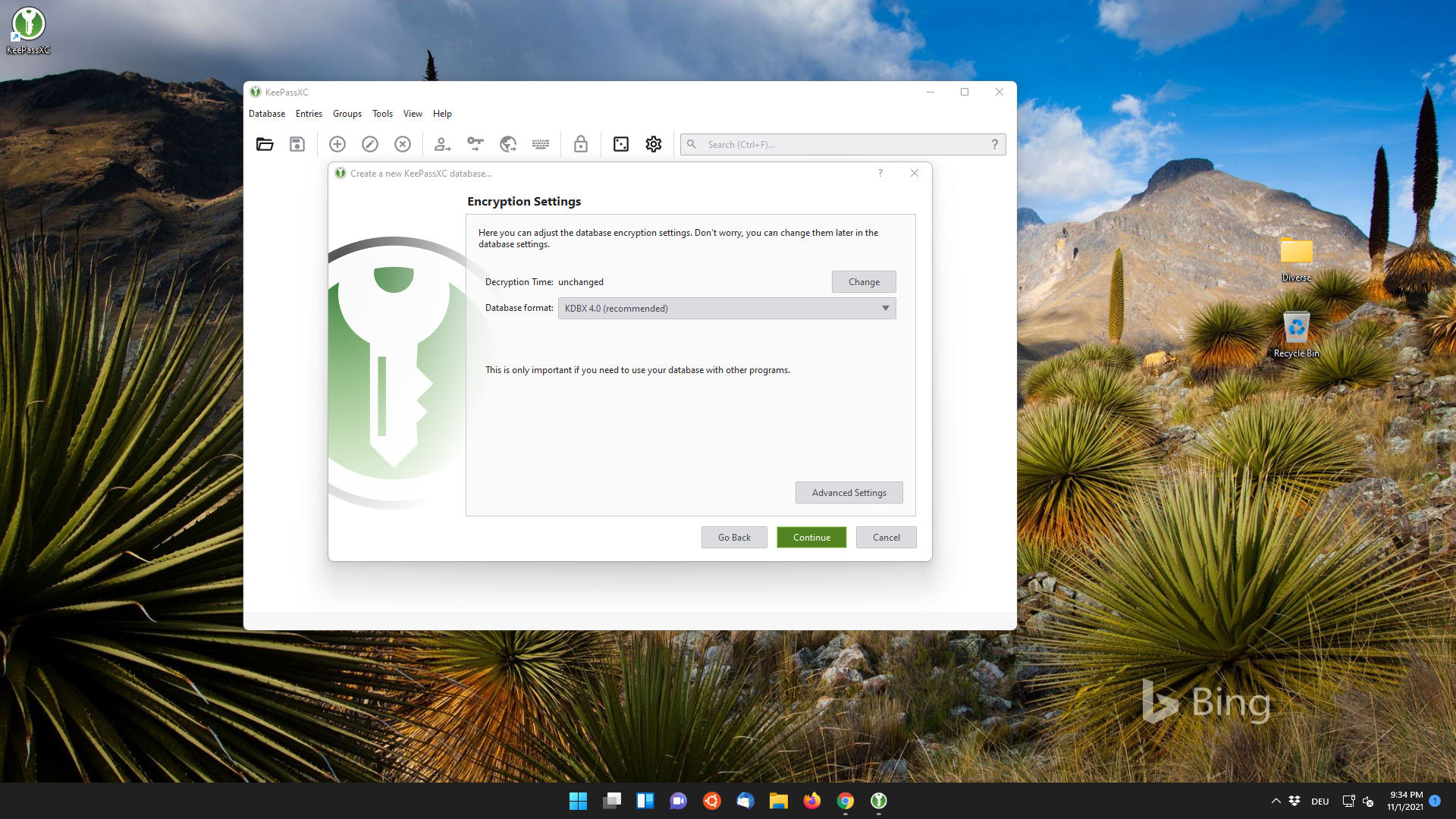
- Setting the level of confidentiality
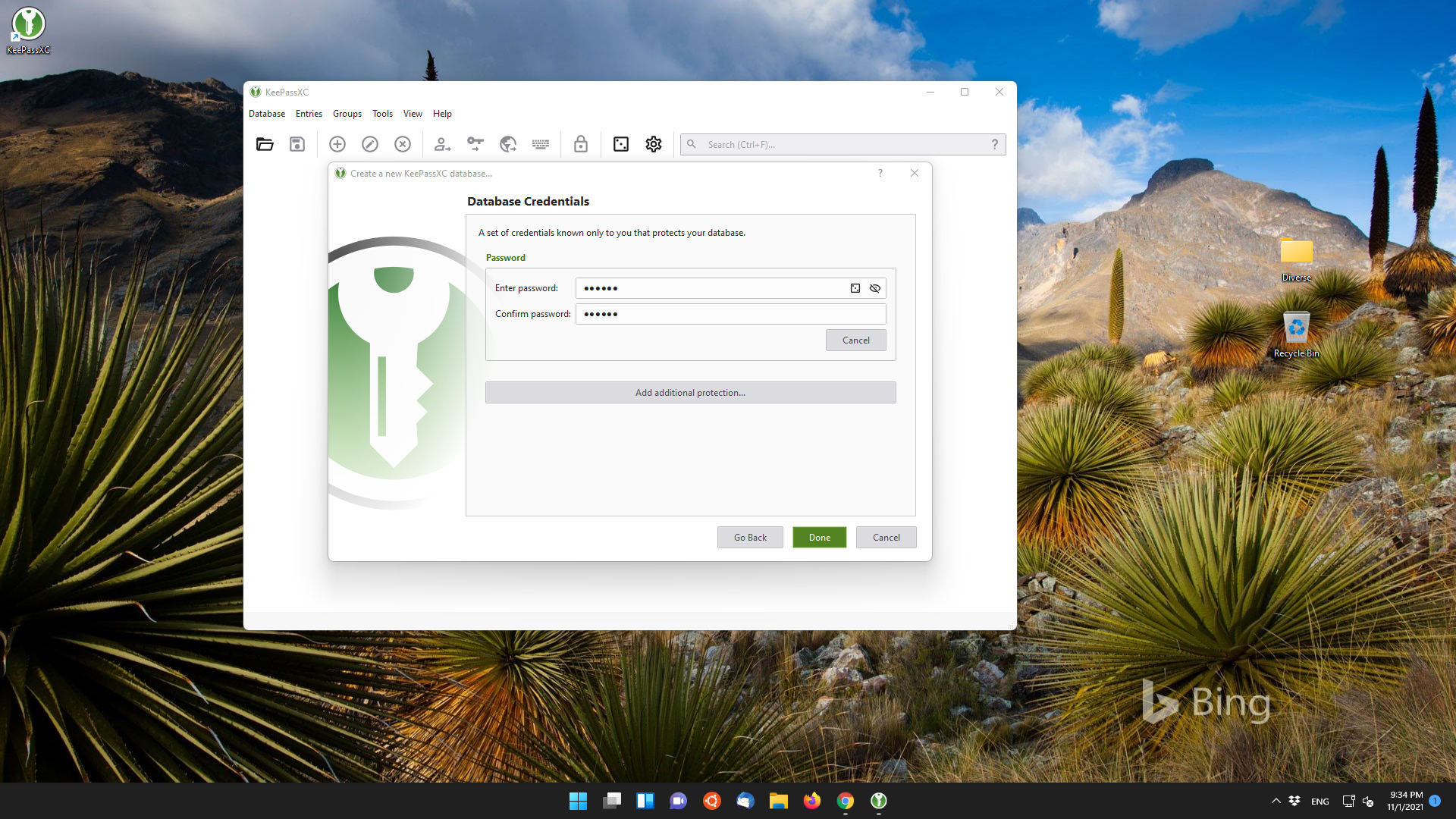
- Create a password for database protection
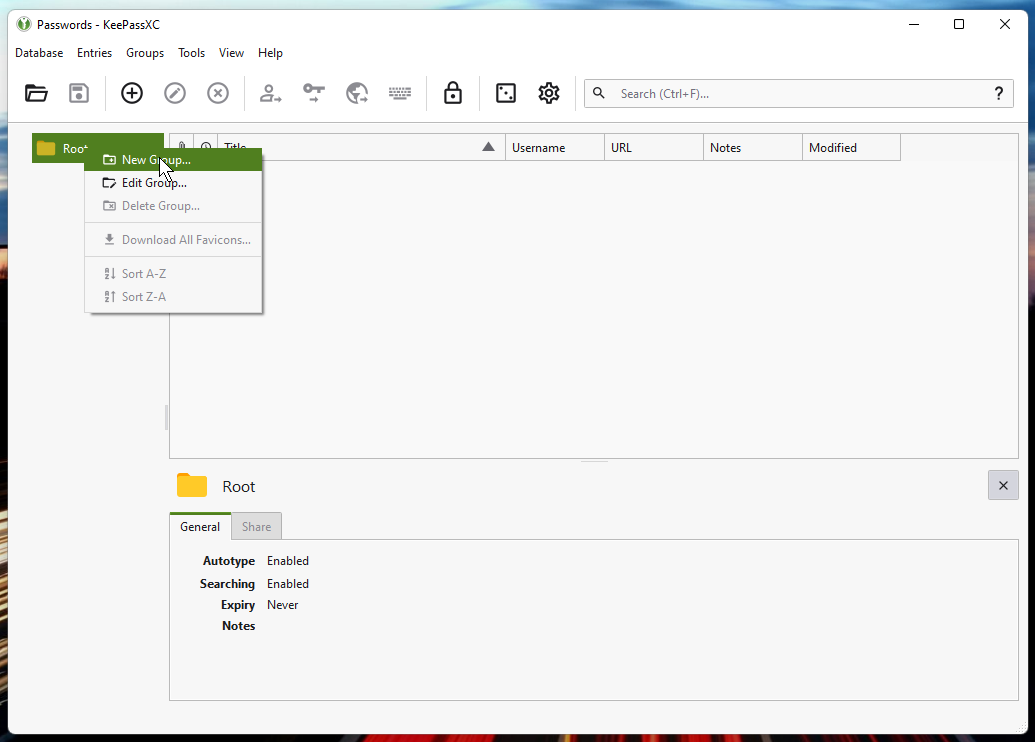
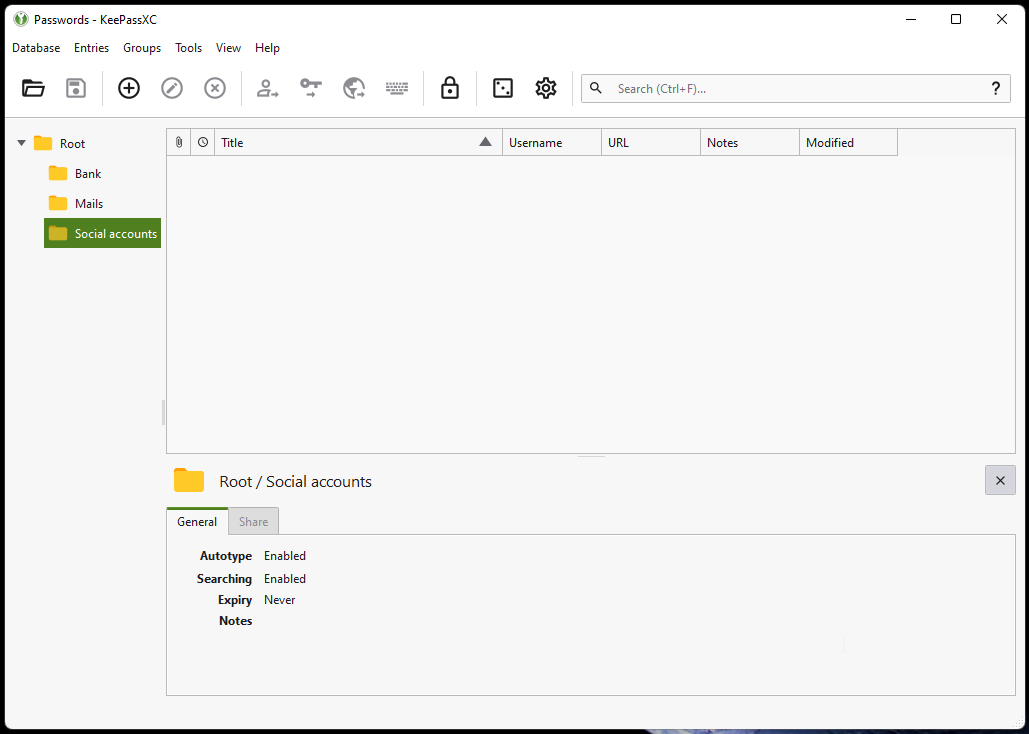
- Create a new group
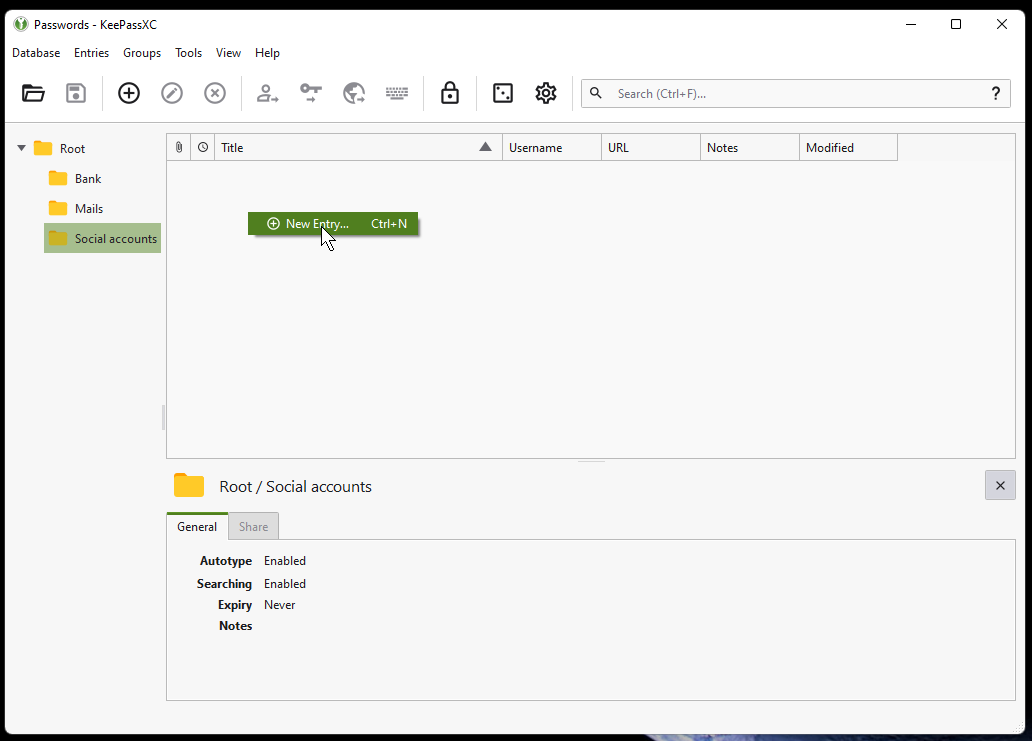
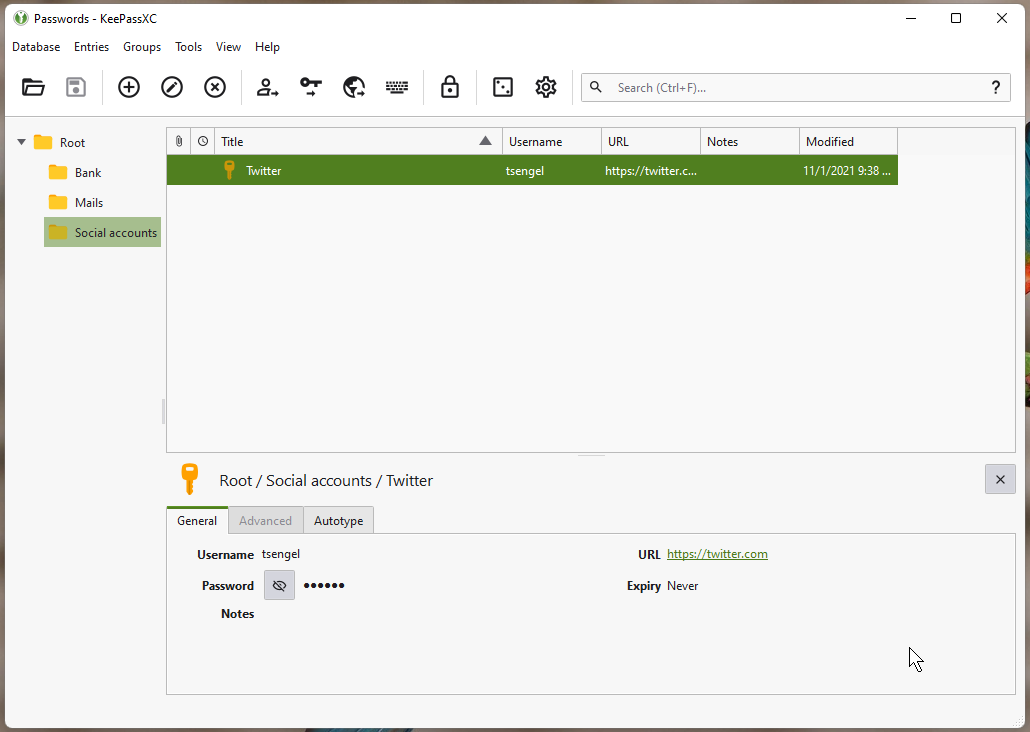
- Enter new data
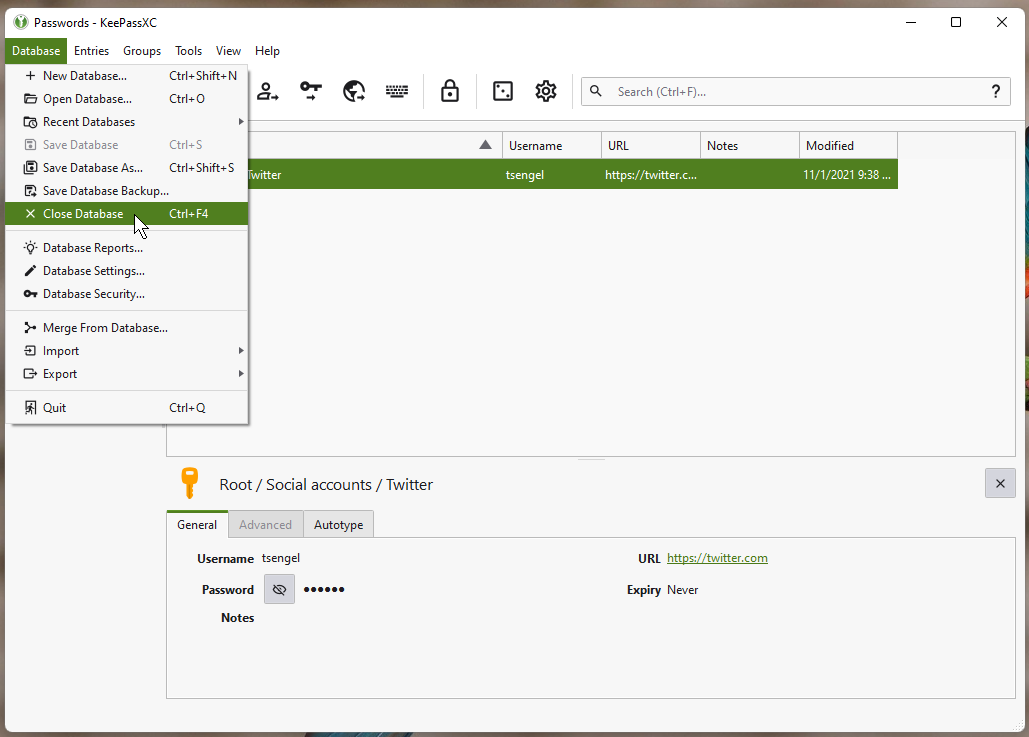
- Learn to use and close your database
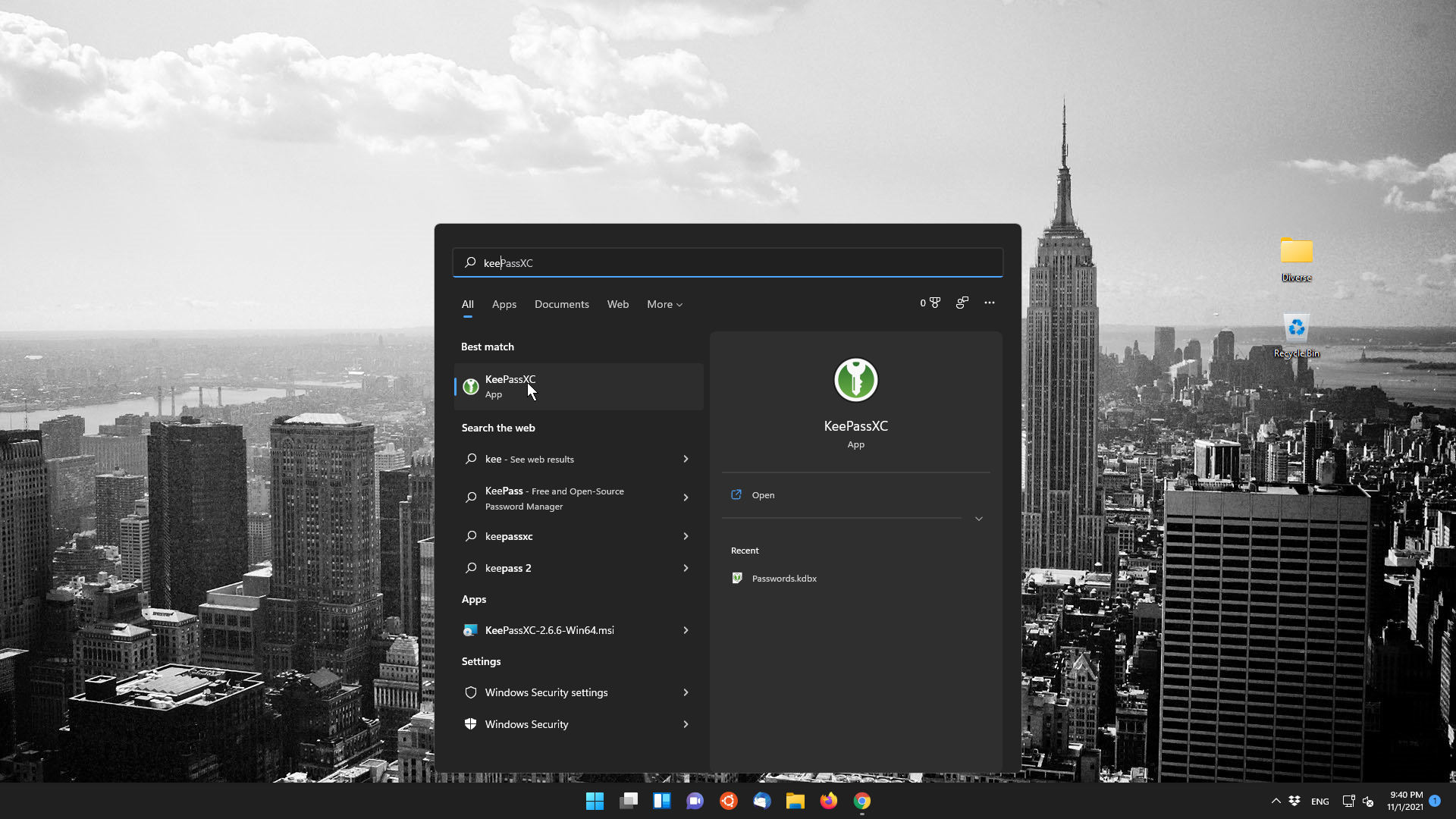
- Start on Windows 11
Conclusion
This usage is available for daily use and this is how I use it myself. In the next article, we will cover how to create an encrypted vault and use this created password and personal data over the Internet on mobile phones and multiple systems. Well, I went to sleep.