
In part 3 of this series, let's dive a little deeper into systems security. In other words, how to protect your Windows 11 system hard drive. If you don't do it yourself, it's better to understand it by the foreign name and picture.
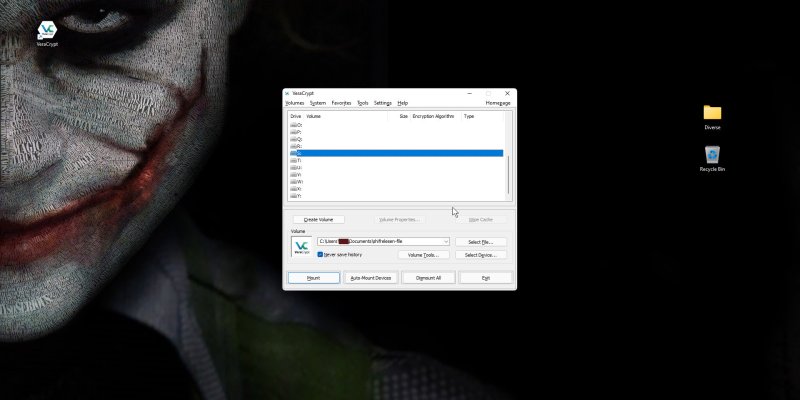
Good day! Let's expand a little on the topic I started yesterday. In other words, let's try to explain easily with pictures how to create an encrypted carrier that can be carried everywhere. I am in itVeraCryptIt uses a free program.
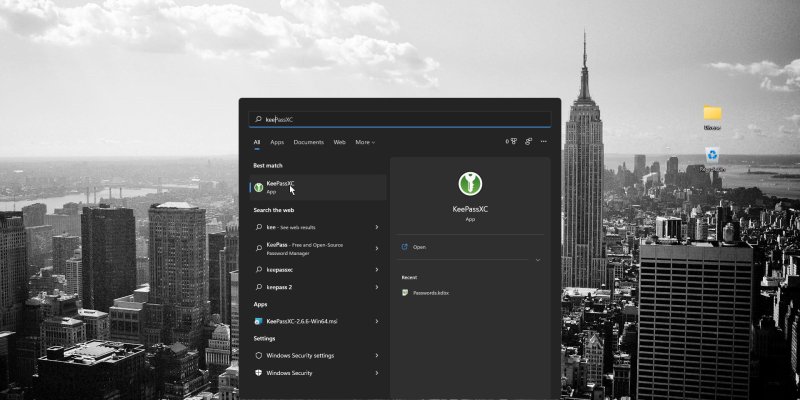
In today's world, it is imperative that we protect ourselves and others by using a personal or corporate password database with many different types of data, such as choosing which one to take.