This blog will be my home run on a Raspberry Pie 4. Let's briefly mention in this article what and what technology was used ... I hope that I have improved the richness of my vocabulary by translating the English instructions for installing Ubuntu in detail,🤓😎.
Techniques and technologies used to create this blog:
- Raspberry Pie 4 Model B
- Raspberry Pi OS Lite
- To install the system - Sandisk microSDHC 32GB Class10
- Raspberry Pi дээр GravCMS хэрхэн Nginx + PHP7-тай суулгах вэ?
1. Raspberry Pie 4 Model B
This mini computer has been very helpful in my experiments lately. In total, I personally use 5 of them, and I decided to install and configure a personal CMS (content management system) for my blog last summer. Started using Raspberry Pie 3 Model B, but in addition to overheating, web page loading speed was significantly slower than Raspberry Pie 4 Model B.
When buying, you should think about how and what you will use it for. There are a lot of parts to buy, such as cable, screen and internet cable, case...
The Raspberry Pi 4 Model B is a single-board computer with dimensions of only 56 × 17 × 85 mm, suitable for simple tasks. So it can be used as a desktop replacement (simple office applications), NAS console or media center. The latter now supports 4K display.
2. Raspberry Pi OS Lite
Debian is based on Linux and is similar to Ubuntu. So if you installed your Ubuntu and tried it for a bit, you can immediately run the same on this system. Of course, in a few years, what seedlings, where to find them, how to install them, etc. But Raspberry Pie is used all over the world, and if you have questions or new ideas, you can always ask for answers and help in English. This answers the question of why I use commonly used techniques and technologies. An easy way to save time and expand your knowledge by adding to what you already know. Of course, it's not cheap, but I believe that Chinese or Asian electronics can be found cheaper nearby. It is very important to know the amount of your needs and learn to invest enough money, not necessarily while looking for the most expensive one. In other words, everything you learn is an investment in the future, 🤗.
3. To install the system - Sandisk microSDHC 32GB Class10
At least Class10 is fine, because this speed also depends on the speed of your system (harddisk).
4. Raspberry Pi дээр GravCMS хэрхэн Nginx + PHP7-тай суулгах вэ?
WhyGravCMSis it? 3-4 years ago, when I asked a friend to help him build an easy-to-use website for a garden service, it seemed like the easiest solution, and last year I decided to build a server at home on my Raspi.
Which CMS was used:
- Typo3
- Drupal
- Joomla
- Wordpress
- GramCMS
If you've ever coded, you've probably heard of Markdown. In general, it is a markup language in programming and is used as a Comment Language (README.md in every project on Github and Gitlab ...) in all Code projects. So, for me, it means that I can easily use it without having to study many different rules. Other than that, I used the free version and the only extension I got was Photo Gallery (Lightbox Gallery Premium= $25). There was also an option to display images for free and use a free extension, but I bought it immediately because I wanted to start using it right away. You can find one that works for you or code an extension yourself.
Anyway, it saves me 30 minutes for my article, 😊😇.
In addition, another feature is that it uses cache, and the high requirement of entanglement with the database is immediately removed, 🤩🥳. Hmmm, saving time and less hassle is important, for my needs anyway...
So the first thing you need to learn is Markdown, 😎.
Most application development programs can display Markdown on the user side. If you use Chrome Browser, you can install an extension for this browser that also shows this (https://chrome.google.com/webstore/detail/markdown-viewer/ckkdlimhmcjmikdlpkmbgfkaikojcbjk?hl=en).
How to prepare your Raspi is written in detail in the article on the link below. Of course, you should learn to use Linux. If you're interested in doing the must-haves and lack experience, let me know, or send me a bug.
https://getgrav.org/blog/raspberrypi-nginx-php7-dev
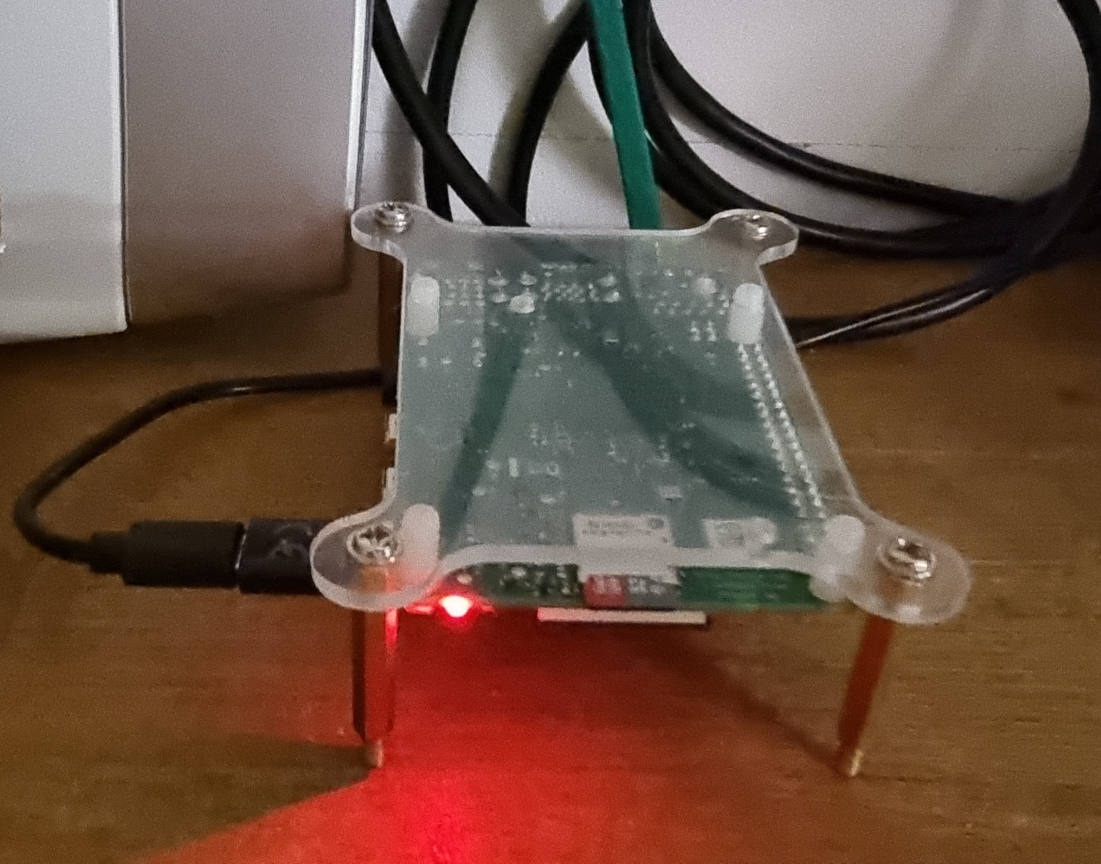
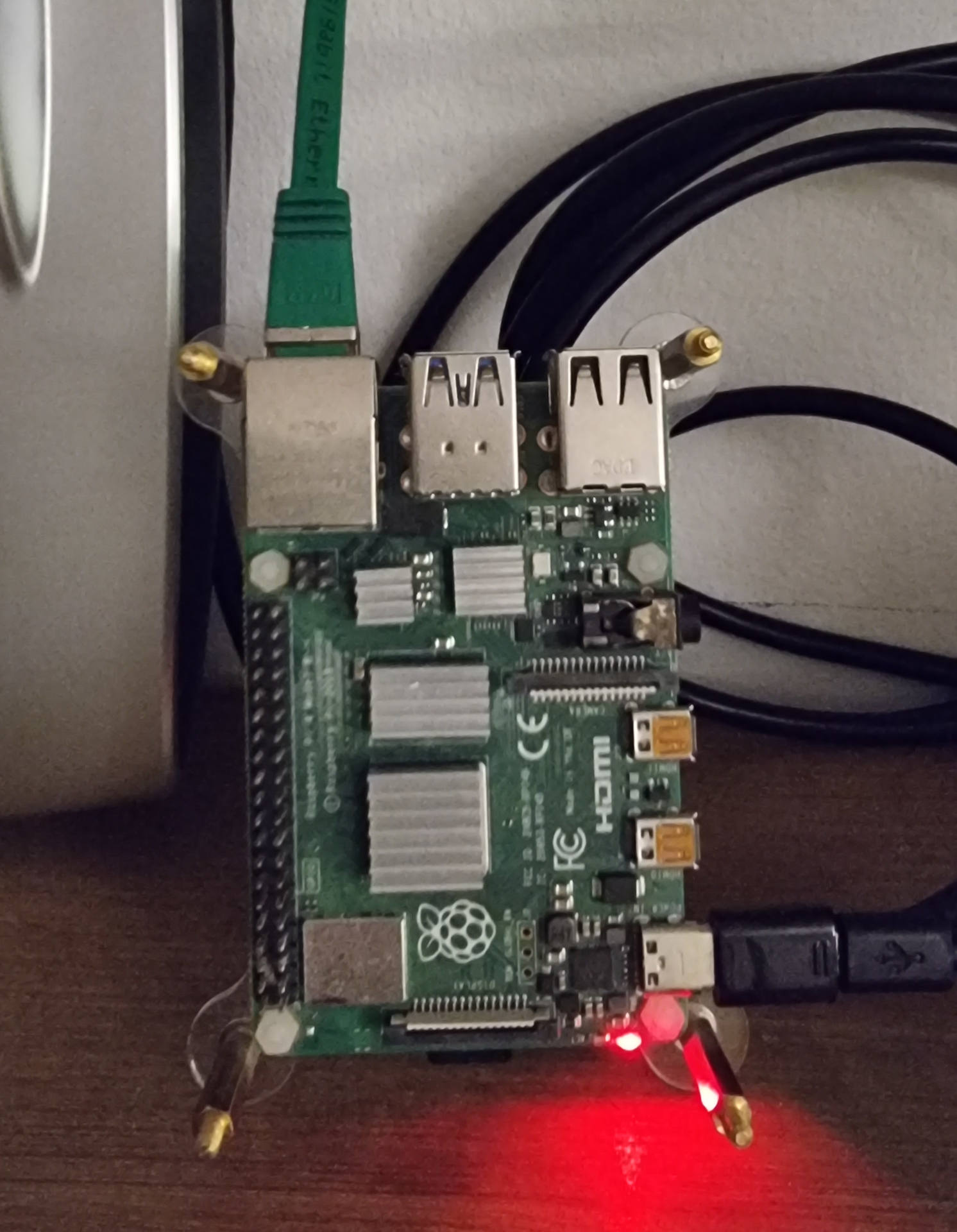
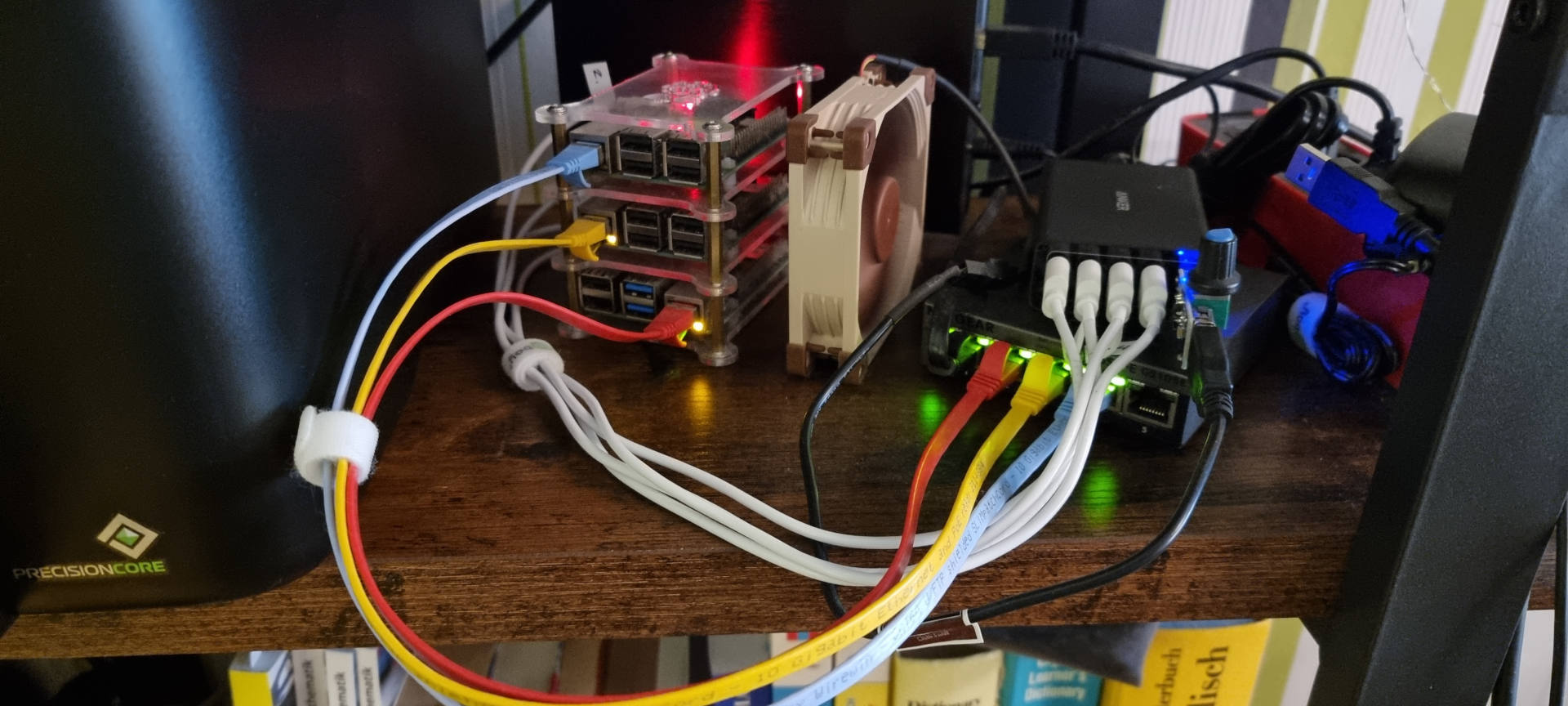
It's a bit dusty, so I'll clean it with a brush with a blower, 😅😂.
In the next article, I will briefly describe how to connect this server to a Domain Name and enable encryption with Letsencrypt. This article is very short, so I will improve it whenever I have time or if I have a suggestion to expand it!