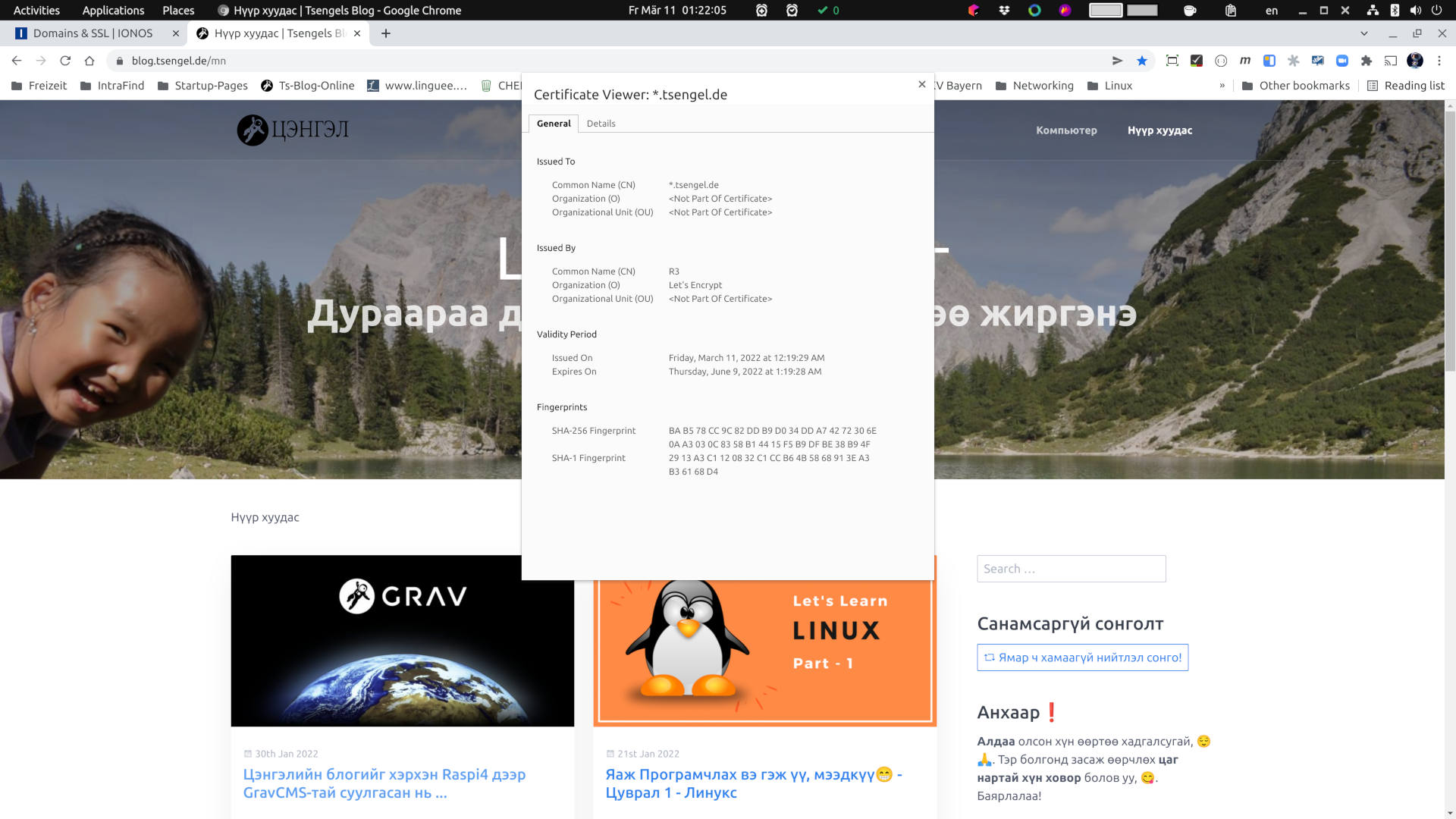
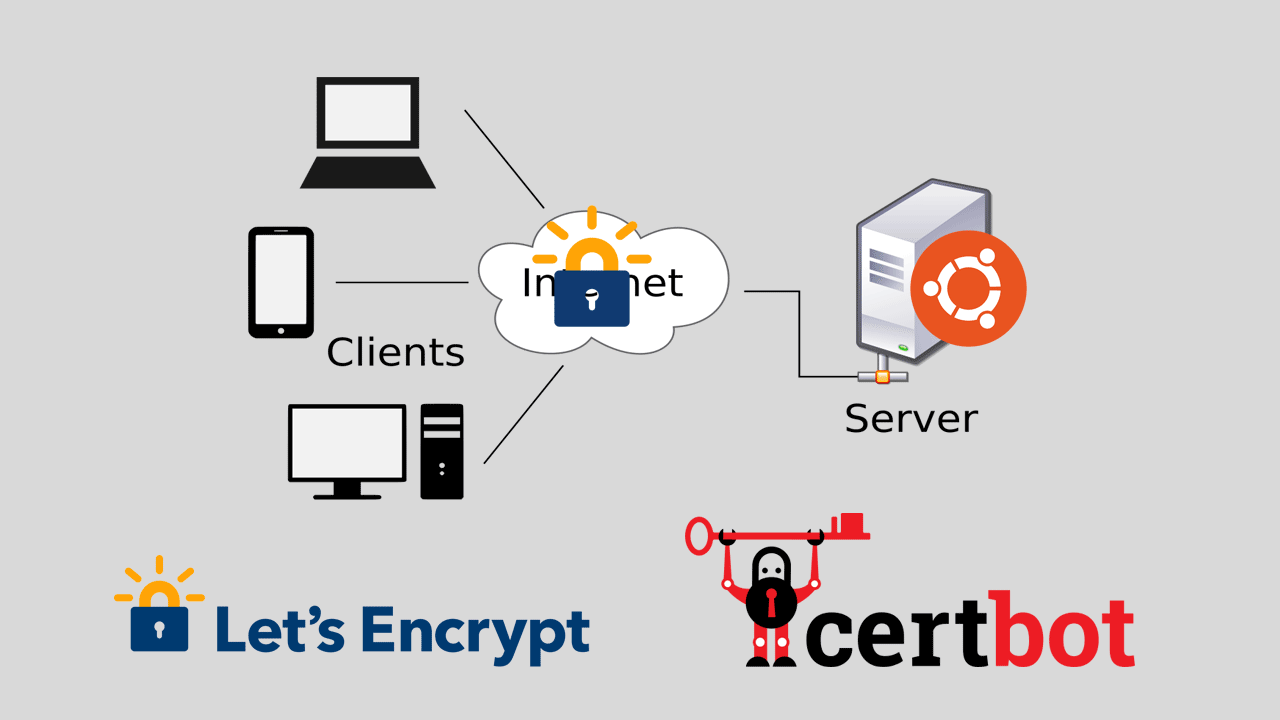
Comments will be posted next time. This time it was important to upgrade the flash encryption. So, I managed to make some pictures for you in between... As promised, I included a little explanation. Later, when I write how to install, more in the next article ...
Ok, naturally, my plan to travel 600 km and 4 hours to Berlin was postponed due to a train delay, so I finished watching a movie on the way and suddenly remembered that I haven't written anything here, so I decided to post a little comment.
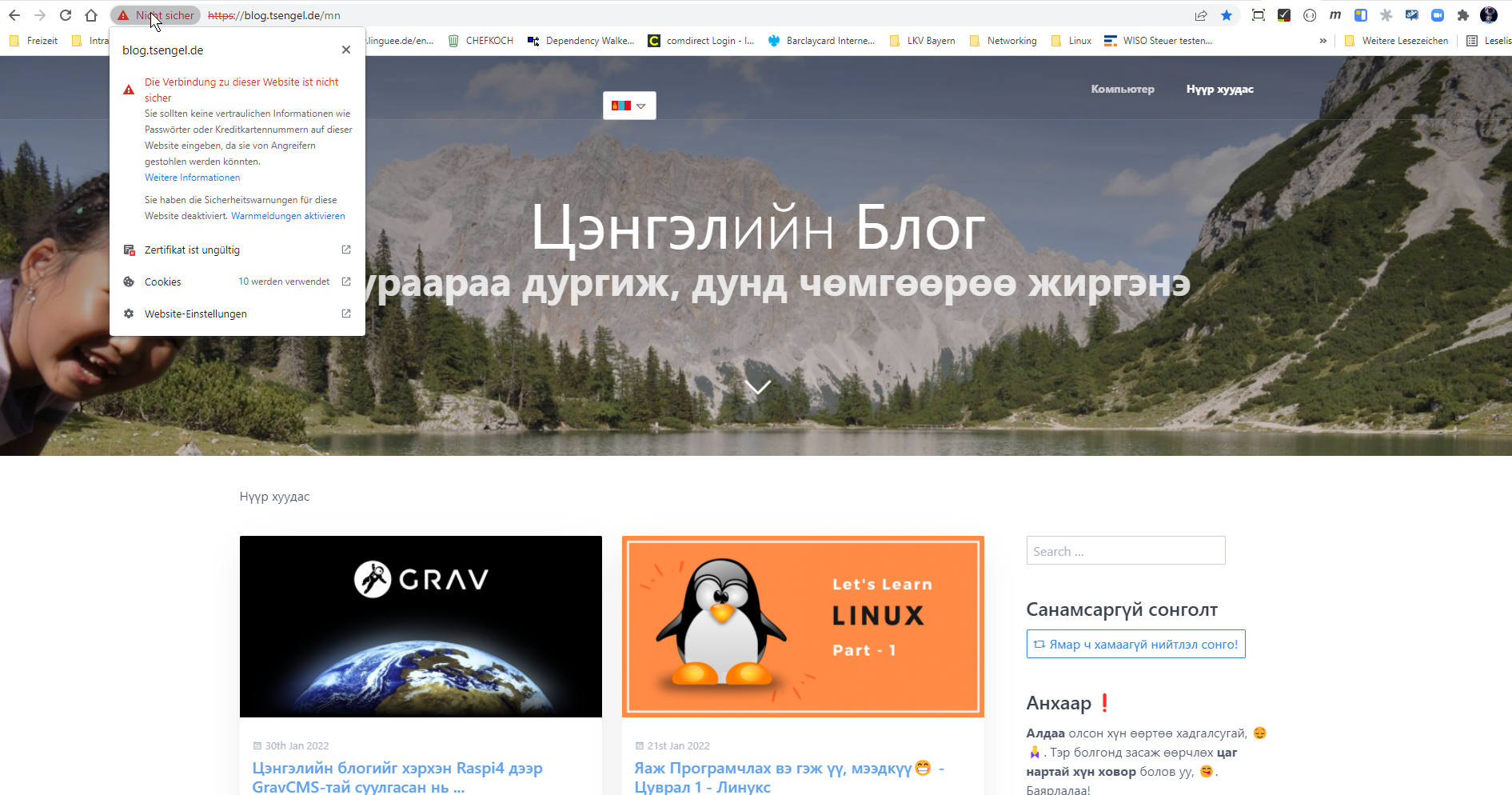
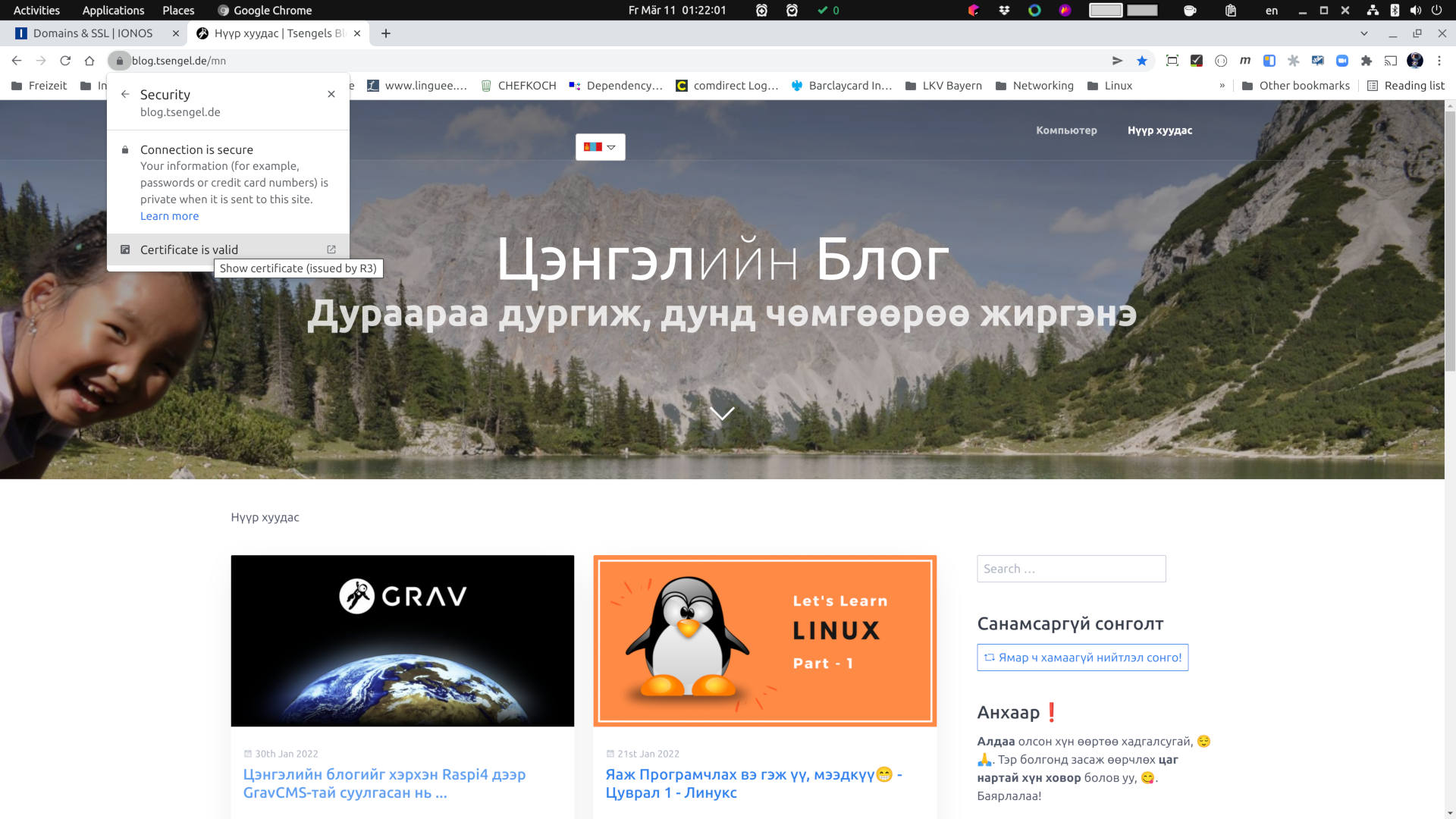
Ok, let's explain encryption in theory and practice in an article next year. Here's how to use free encryption for web pages only. You may have already seen from the pictures that I used Letsencrypt on this blog page.
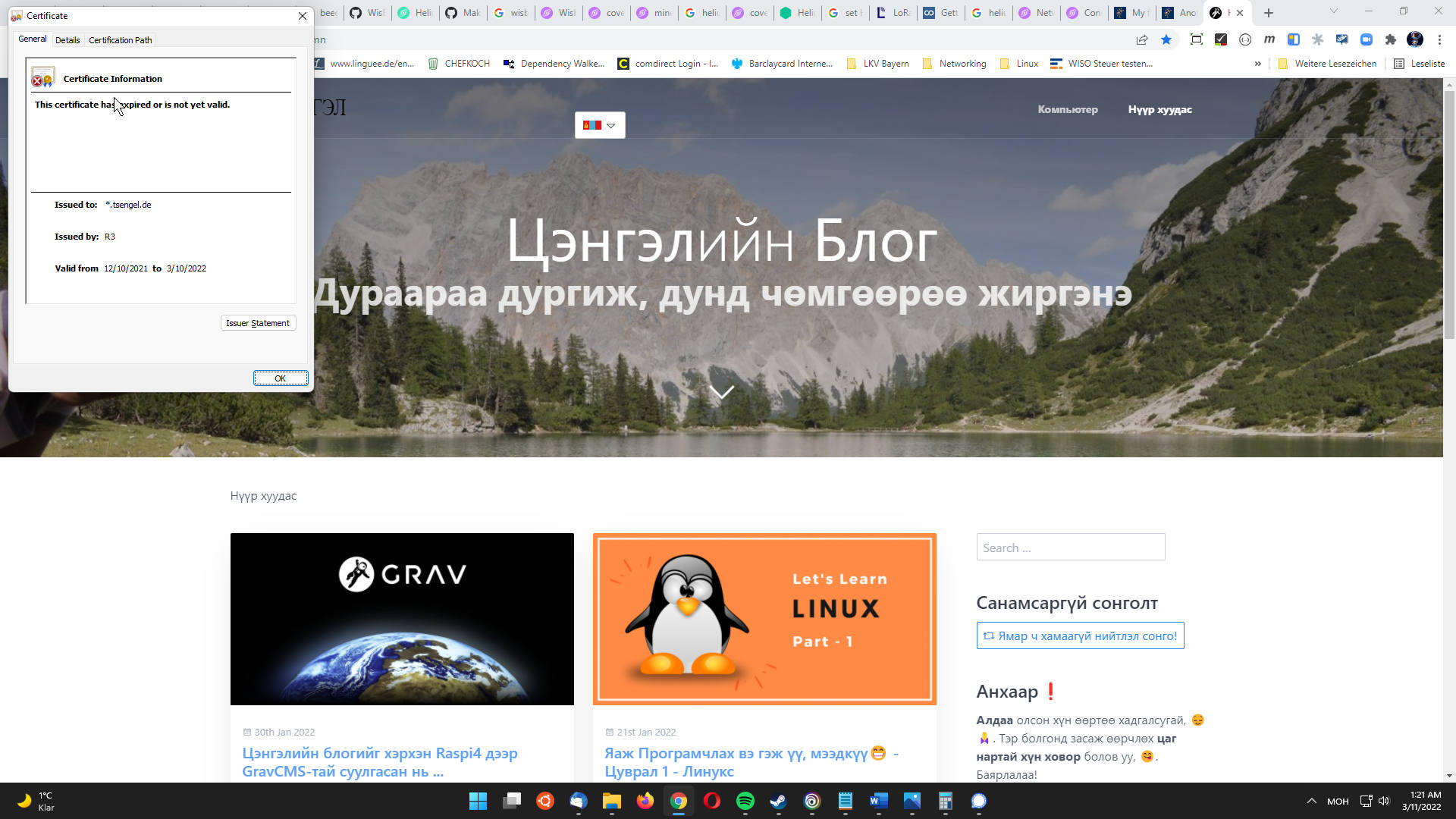
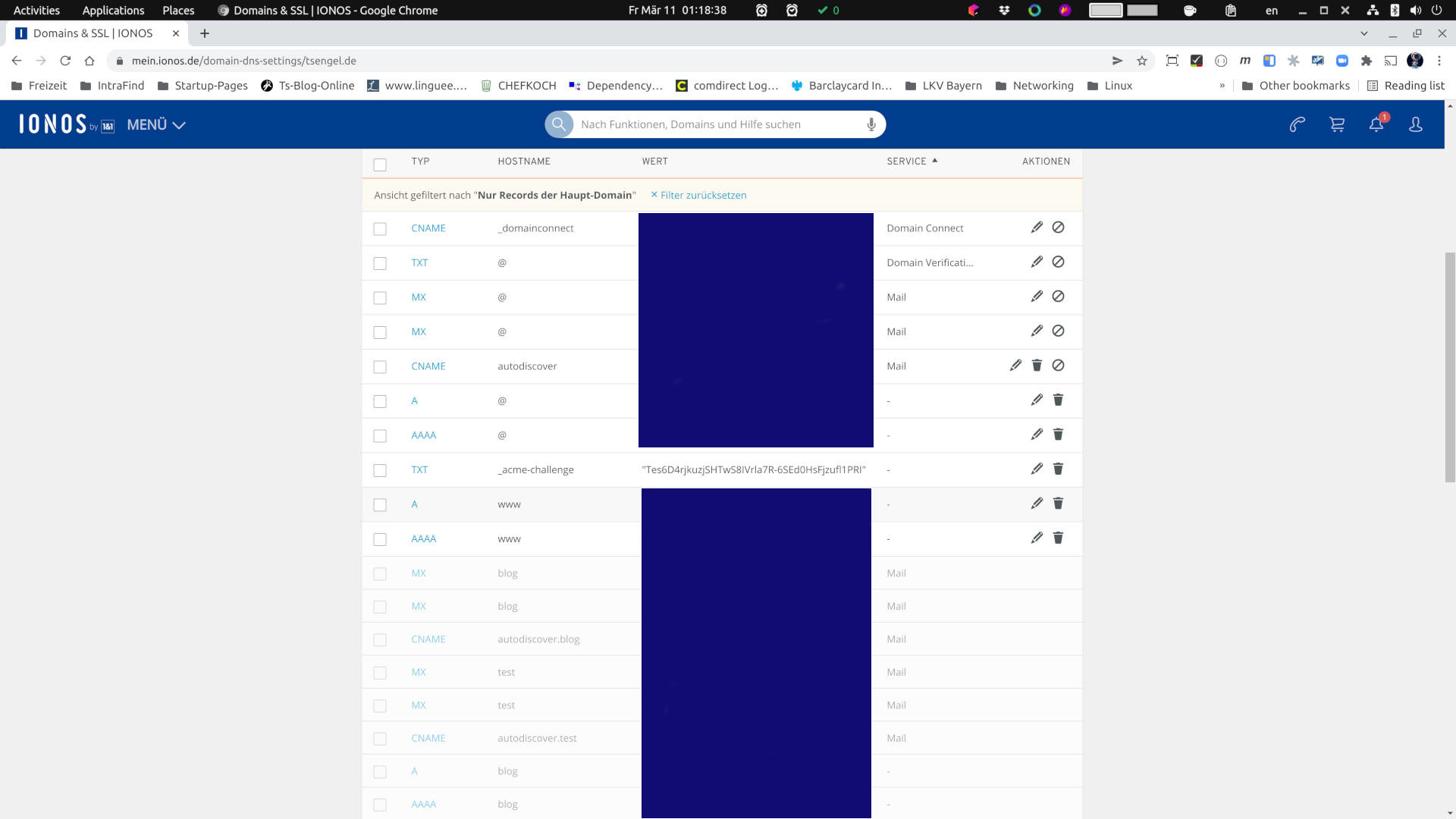
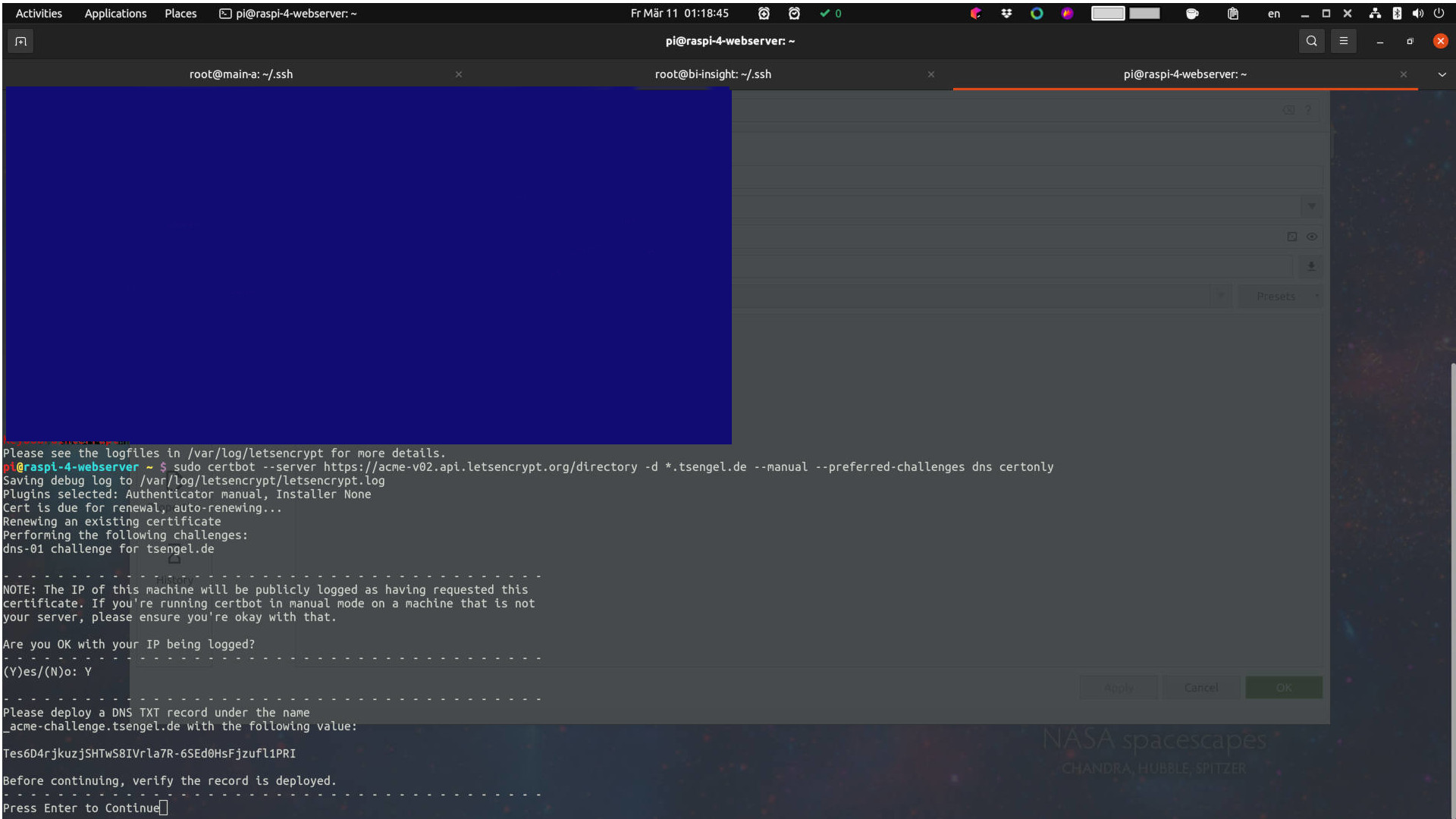
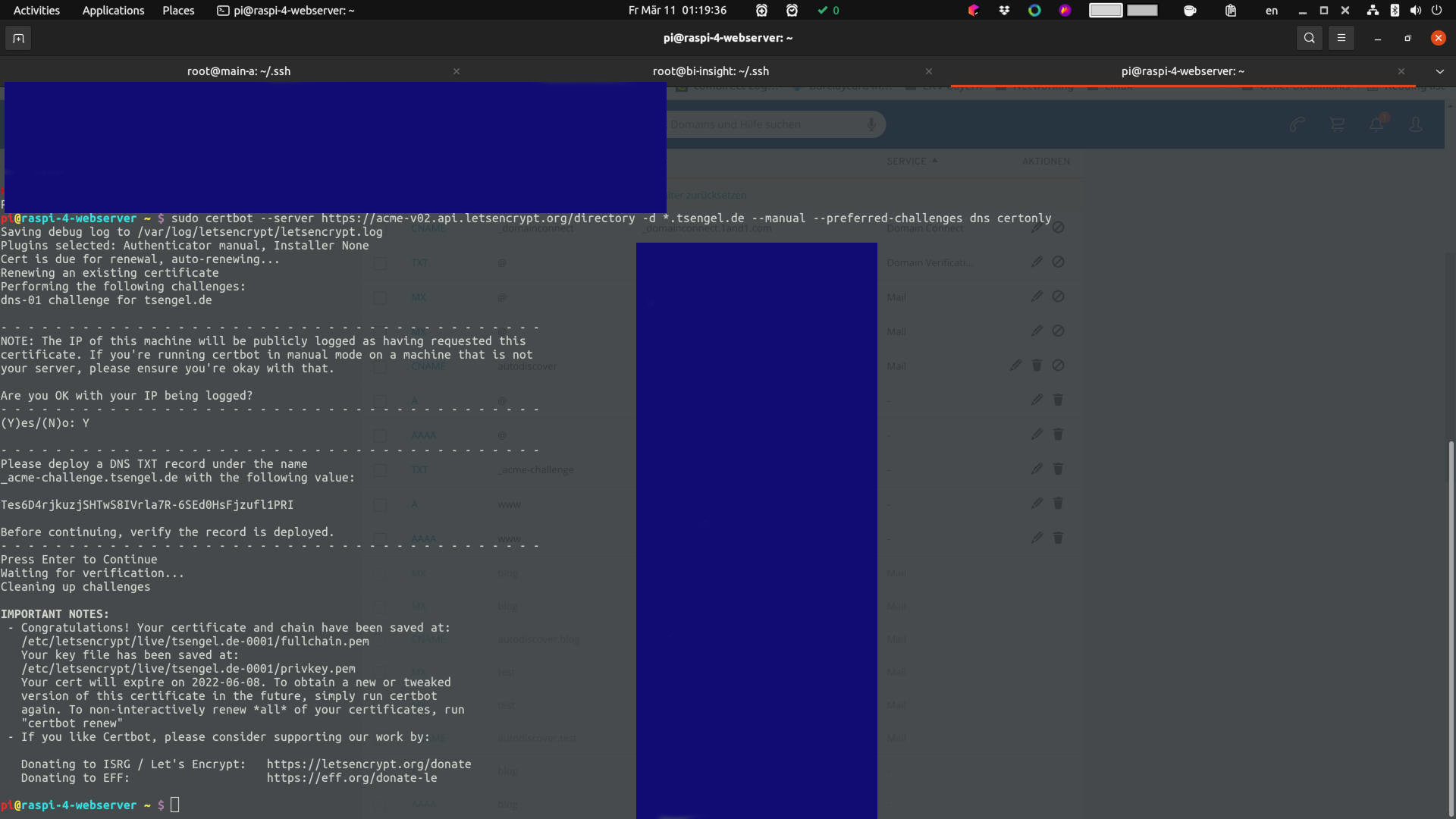
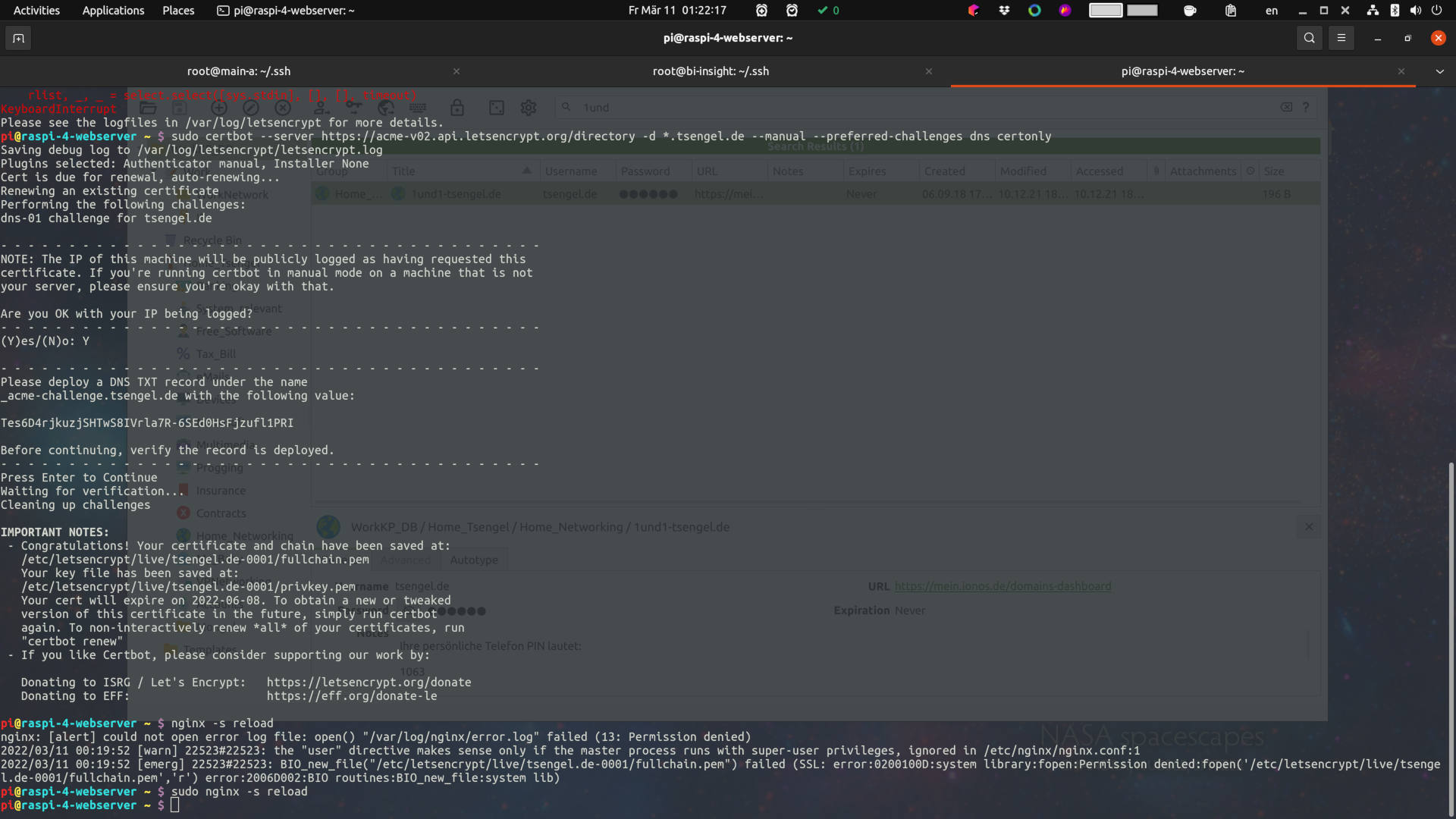
Letsencryptusage is free worldwide and valid for 90 days only. So what you need to do to use it is to update it before it expires. As shown in the picture below, I updated on the last day. Why is it not automated, just the cheapest tsengel.de domain name found?бүртгэгчbecause it does not support automated registration, only because the discount, the first year, is 12 € (from July 2022 it will be 24 € per year)... If it supported the creation of automated TXT-data, the one in the picture could be scripted to automatically renew in 30 or 60 days.
It's fine for me because it's on a personal page. However, on the 10th of 3 months, I forgot to upload the video, and in 1-2 minutes, I took a snapshot of the screen and only updated the encryption certificate.
From the picture, you can see it almost immediately. Let's learn to use Linux, there are many free or cheap options available. With this knowledge, you can add a little and make it a profession.
So what exactly was done in what order?
- Purchase a web page address (where to buy domain name)
- Enter the IP address of your web server as the address
- Your address should also be specified on the web server (nginx, apache or other web server)
- Letsencrypt must be installed
- Update your SSL encryption certificate
- Update or restart your web server
Voilà! That's it, 😎.